
 Join our Discord
HighStudio HUD V1 | QBX & QBCore
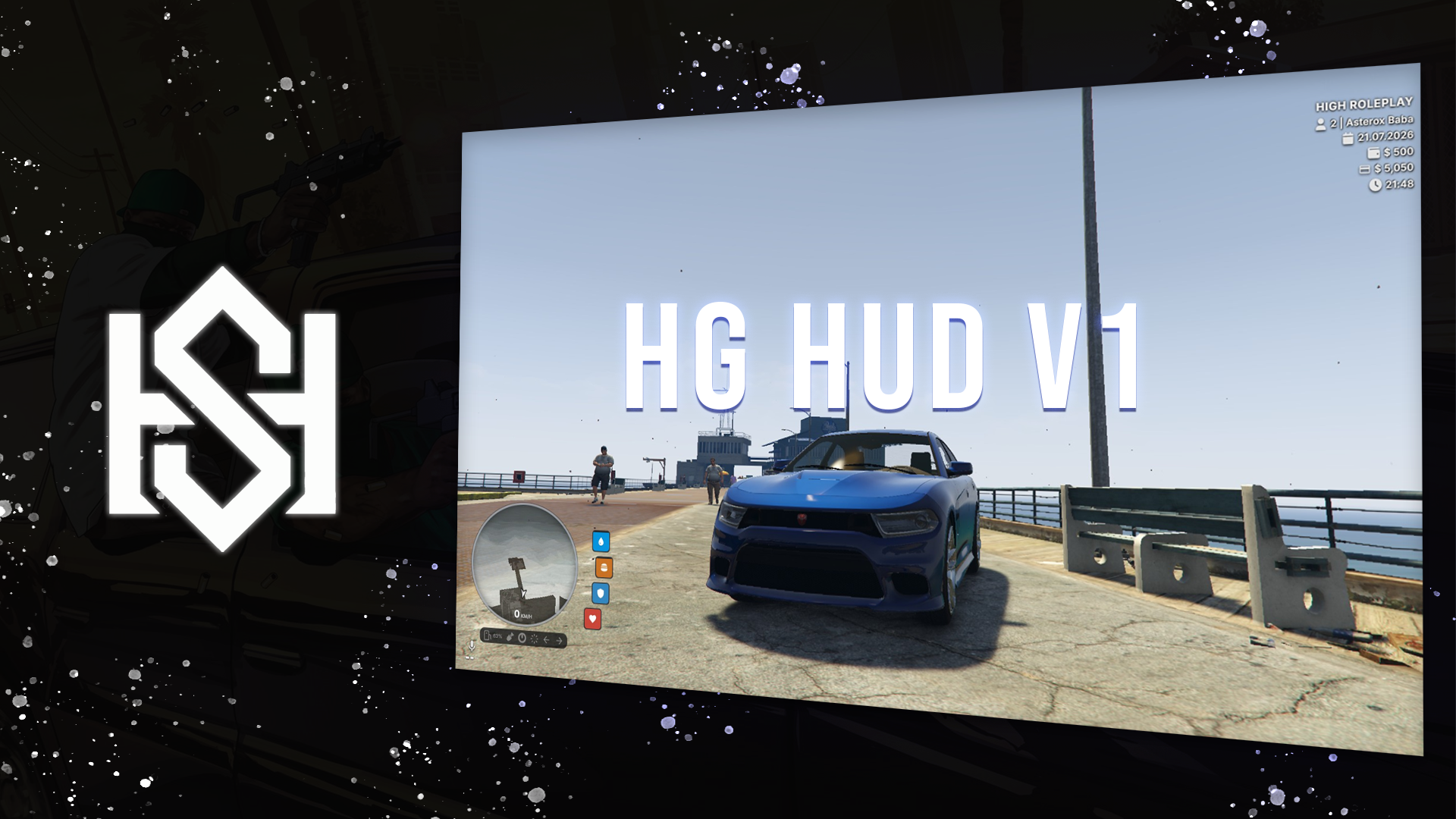
A modern, lightweight, and highly customizable HUD designed for FiveM, built with performance and usability in mind. Fully compatible with both QBX Framework and QBCore, featuring a clean interface, advanced vehicle HUD, and an extensive in-game customization system.
✨ Features
Player HUD
- Modern and minimal design.
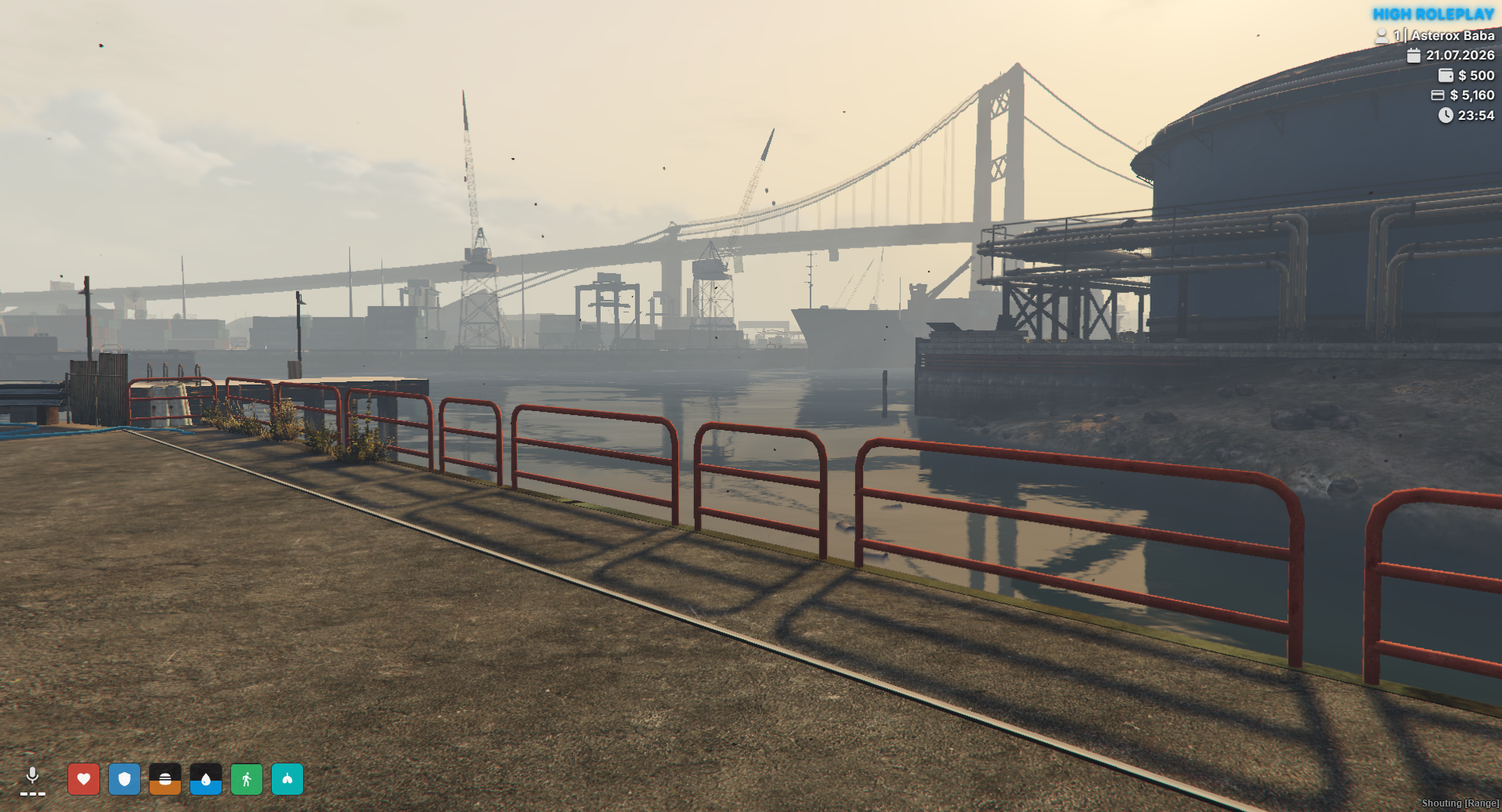
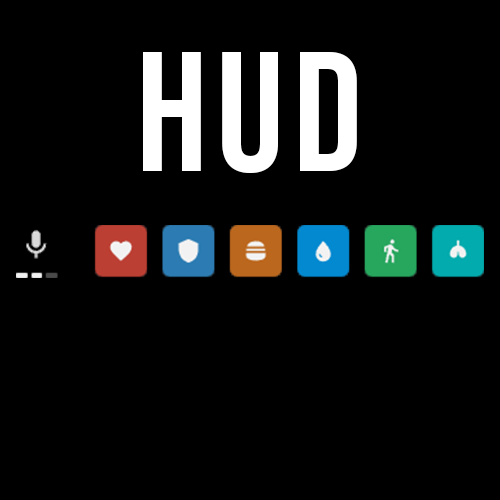
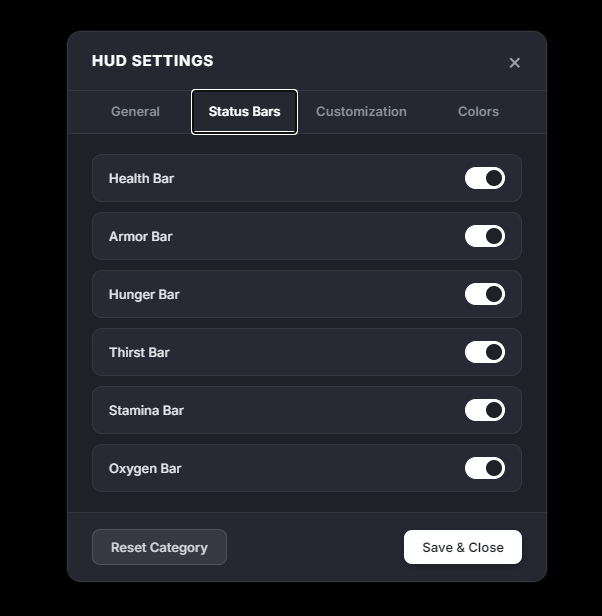
- Health, Armor, Hunger, Thirst, Stamina, and Oxygen status bars.
- Smooth animations and optimized performance.
- Fully responsive UI.
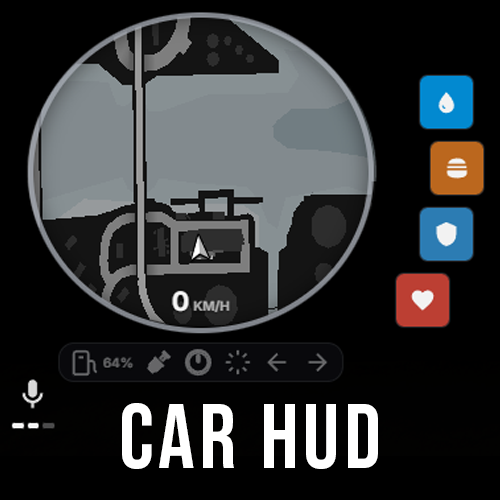
Vehicle HUD
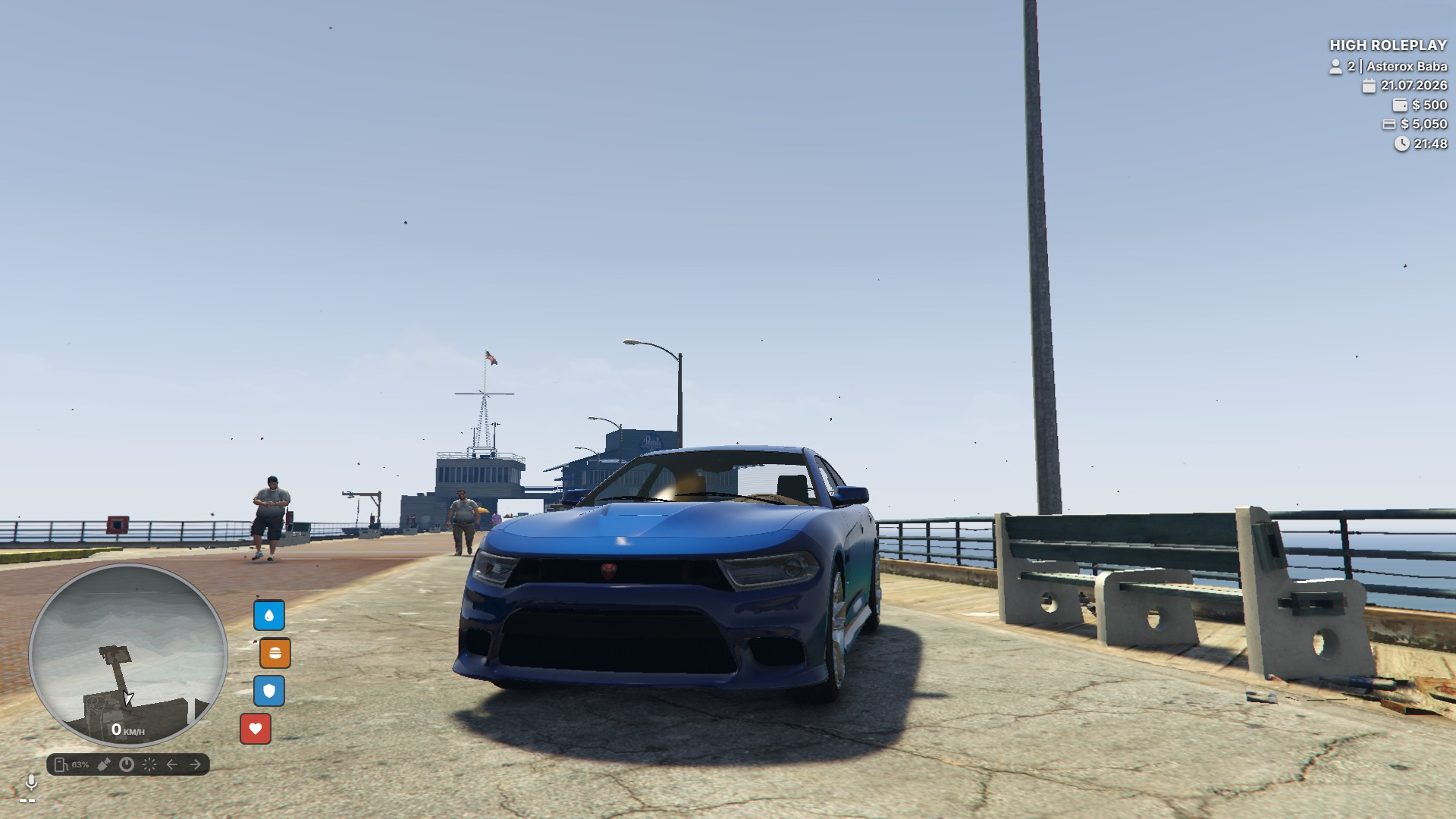
- Circular minimap with curved vertical status indicators.
- Digital Speedometer (KM/H or MPH).
- Fuel percentage display.
- Automatic fuel script detection:
- Native Fuel
- LegacyFuel
- ps-fuel
- cdn-fuel
- ox_fuel
- Seatbelt system with buckle/unbuckle sound effects.
- Cruise Control indicator.
- Headlight status (Low Beam / High Beam).
- Left Signal, Right Signal, and Hazard Light indicators.
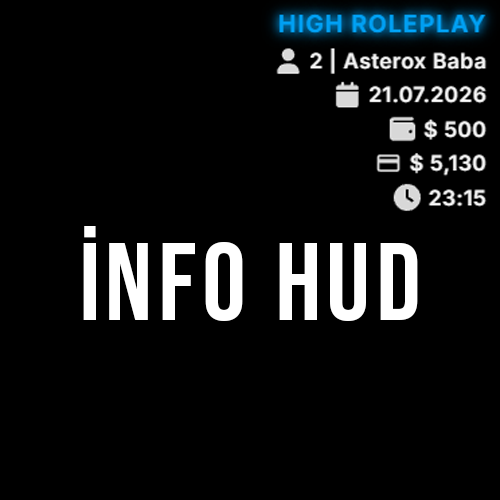
Information HUD
- Custom server name display.
- Optional glow effect:
- None
- Subtle
- Medium
- Strong
- Pulse
- Player Server ID.
- Character Name.
- Cash & Bank balance.
- Real Date.
- Real Time.
- In-Game Time.
Cinematic Mode
- Smooth animated cinematic black bars.
- Perfect for screenshots, videos, and roleplay scenes.
- Can be toggled through exports.
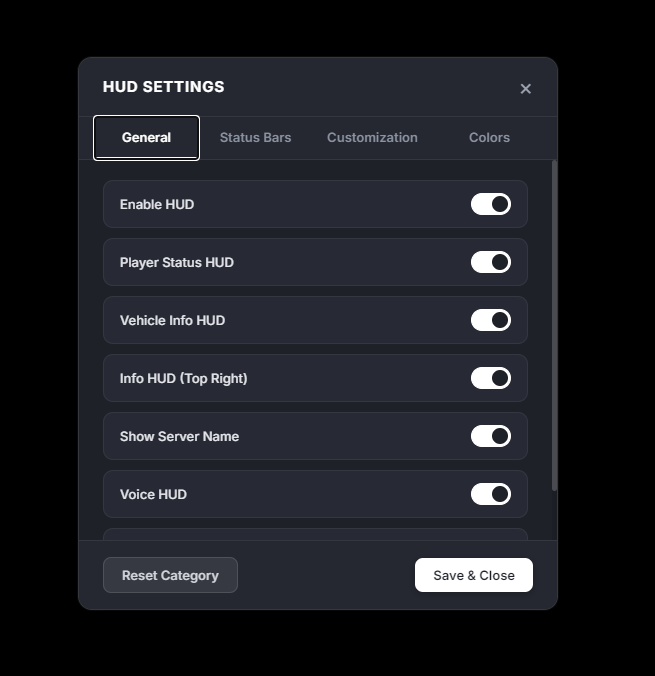
HUD Settings (/hud)
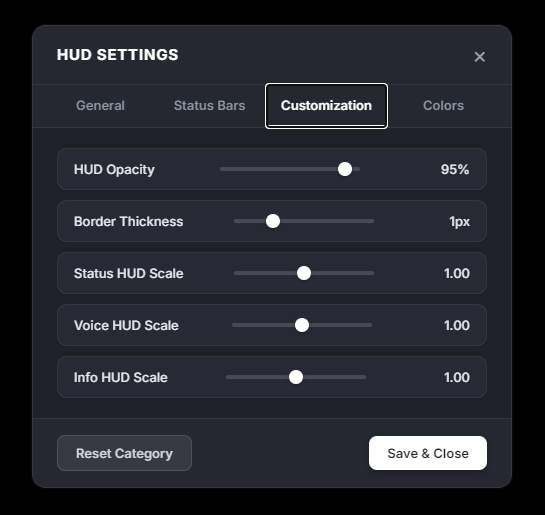
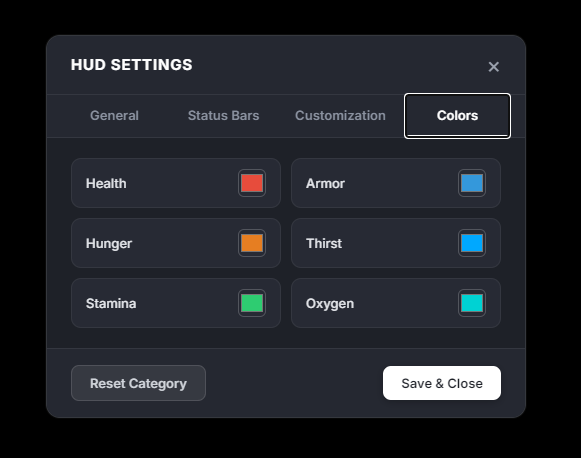
The HUD includes a complete in-game customization menu with live preview.
Customize:
- HUD Colors (Hex Color Picker)
- Text Colors
- HUD Scale
- Opacity
- Border Thickness
- Position Adjustments
- Reset to Default
Settings are automatically saved using:
- LocalStorage
- Server KVP
🎮 Commands
Command
Description
/hud
⚙️ Installation
- Place the hghudv1 folder inside:
resources/[assets]/[HighStudio]/
- Add the resource to your
server.cfg:
ensure hghudv1
- Configure your preferred settings inside:
config.lua
⚙️ Configuration
Config.UseImperial = false -- false = KM/H | true = MPH

Config.InfoHud = {
    ShowServerName = true,
    ServerName = "HIGH ROLEPLAY",
    ServerColor = "#00a8ff",

    ServerGlow = true,
    ServerGlowColor = "#00a8ff",

    ServerGlowStyle = "medium" -- none, subtle, medium, strong, pulse
}

Config.FuelScript = "auto"
-- auto
-- LegacyFuel
-- ps-fuel
-- cdn-fuel
-- ox_fuel
🔌 Exports
-- Show / Hide HUD
exports['hghudv1']:toggleHud(true)

-- Enable / Disable Cinematic Mode
exports['hghudv1']:toggleCinematic(true)
🚀 Performance
- Optimized for high-population servers.
- Low resource usage.
- Smooth animations.
- Clean and modern UI.
- Fully responsive NUI.
- Built with Lua 5.4.
- Compatible with the latest FiveM builds.
✅ Framework Support
- QBX Framework
- QBCore
- FiveM Lua 5.4
📄 Credits
Developer: Asterox